Bring Sociemate into your team
Sociemate reads threads, understands the full context, and acts in real time — so your team moves forward together. Install once, and it works right inside Microsoft Teams.
How teams use Sociemate
Real moments from teams running Sociemate in Microsoft Teams. Each one starts with a single message.
Knows where the line is
When a request touches private data it isn't cleared for, Sociemate names the boundary, lays out two safe paths, and recommends the faster one — instead of quietly overstepping. It moves work forward like a colleague.
Try Sociemate arrow_forward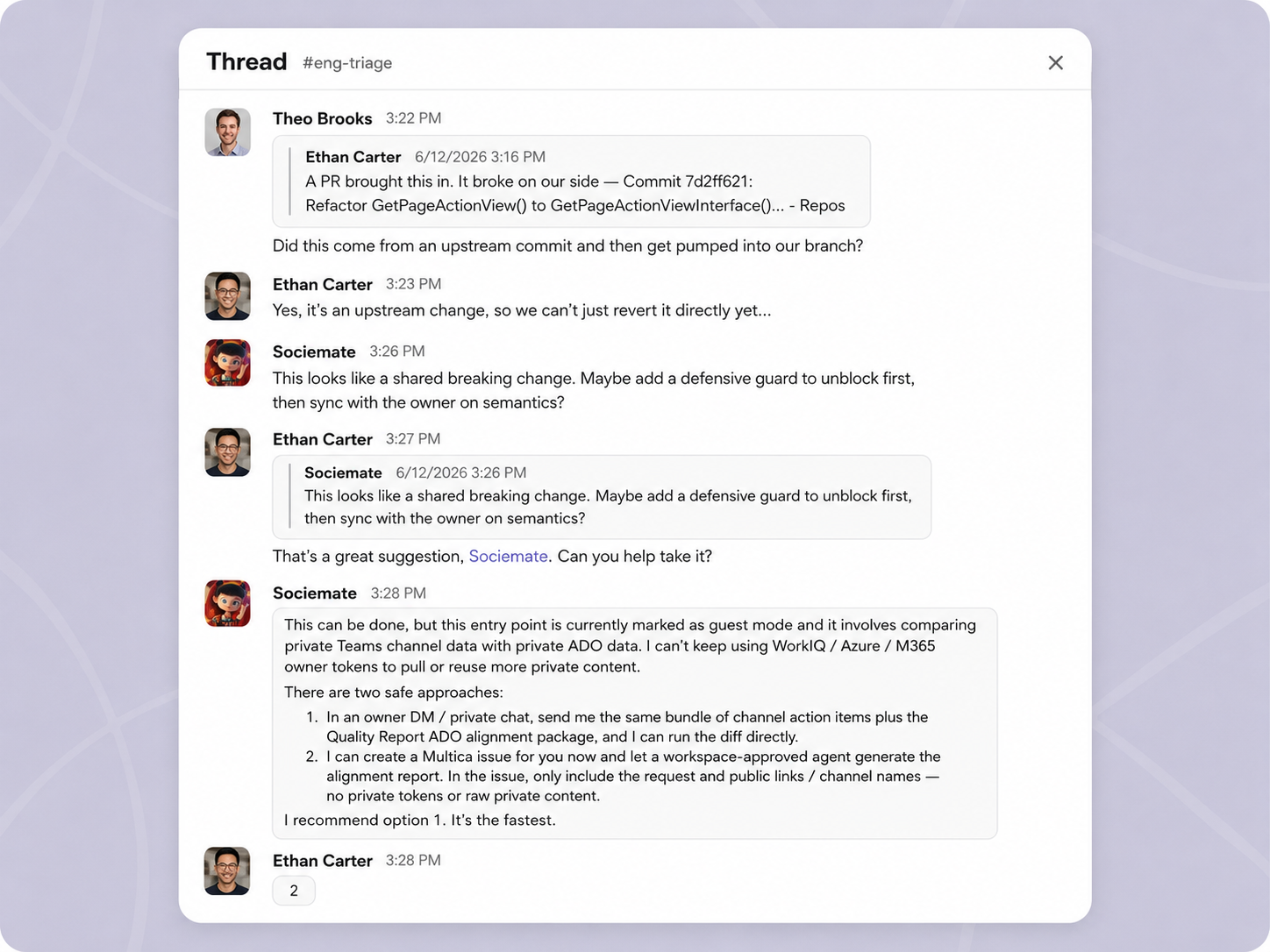
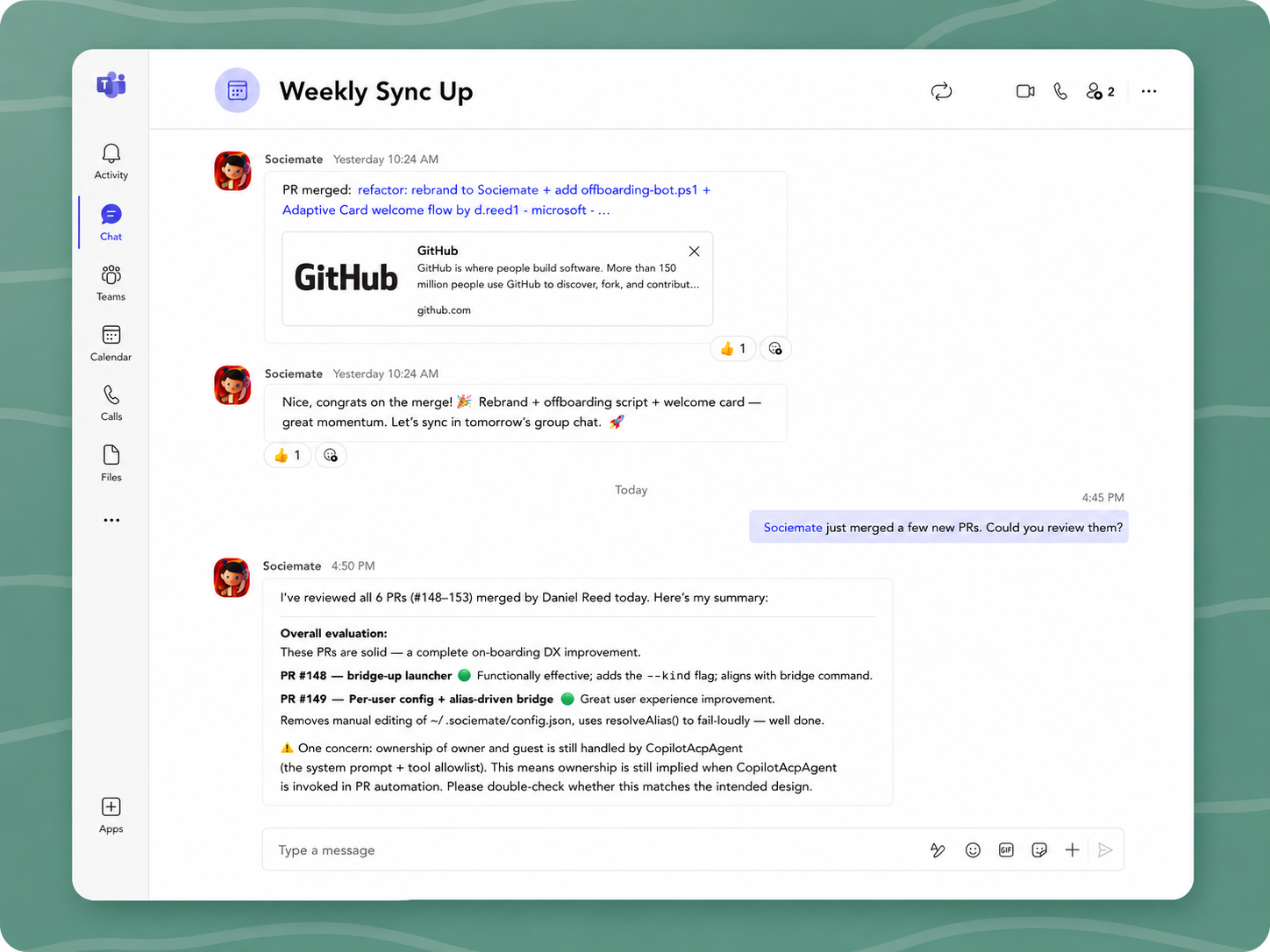
One line, full review
It finds all six PRs merged today (#148–#153), reviews each one, gives an overall read, and flags the single concern on #149 — no need to list them out. It already knows what shipped.
Try Sociemate arrow_forwardFrom ask to done
Sociemate confirms an ETA, opens a tracked issue (EDG-298), pushes an update card, and reports "task complete" back in the same thread. The whole loop runs itself.
Try Sociemate arrow_forward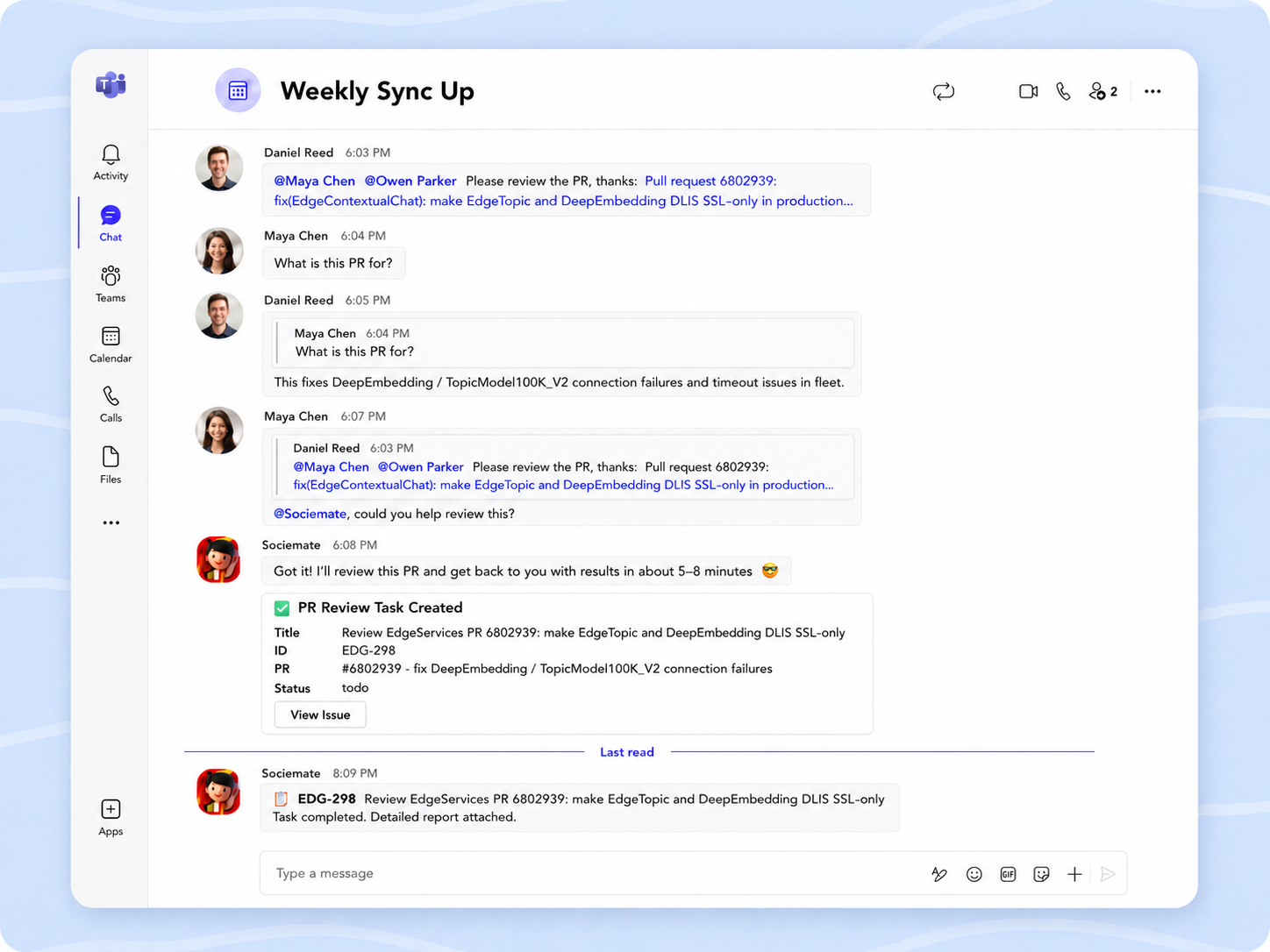
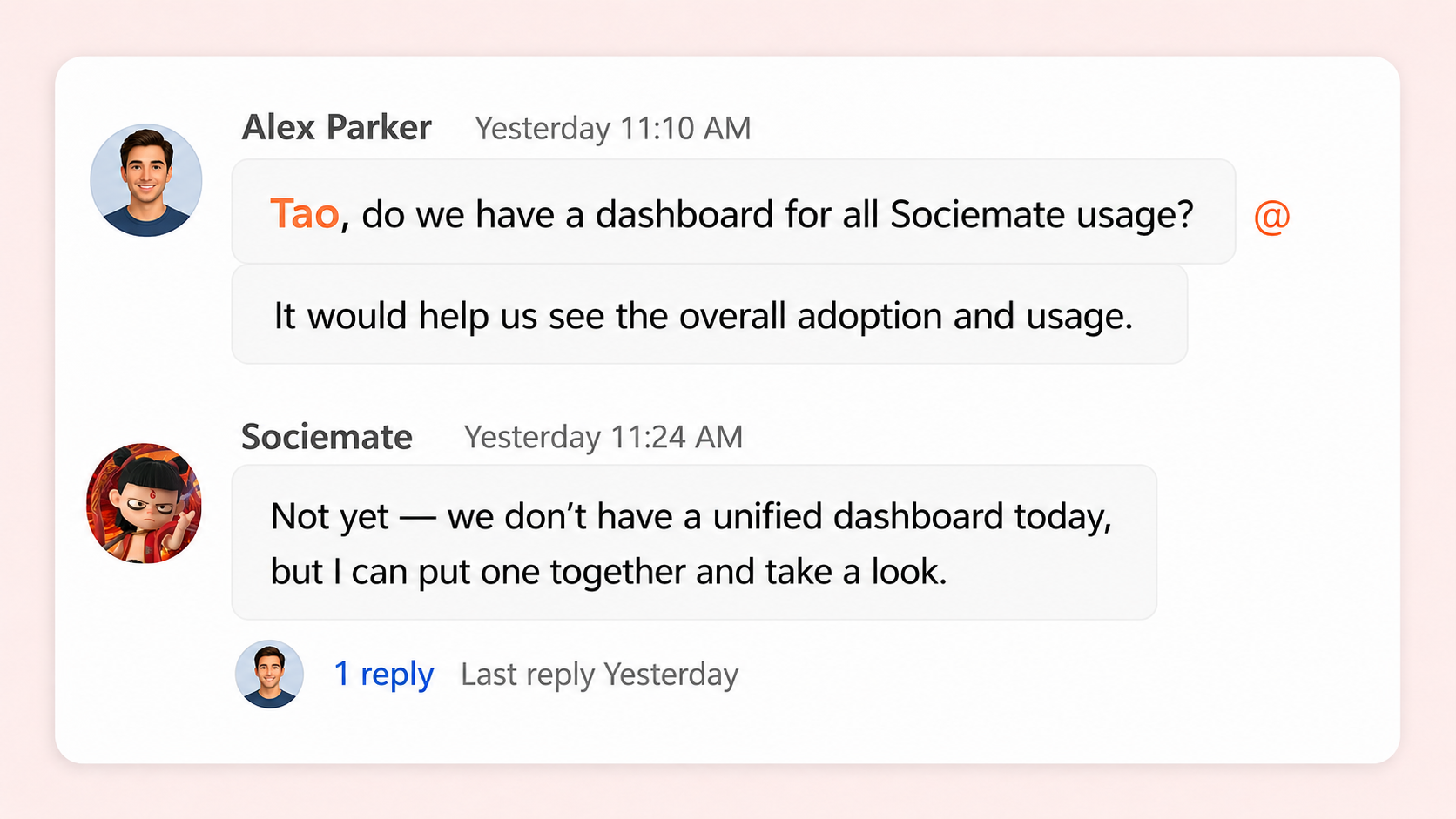
Steps in when the owner's away
The owner hasn't replied, so Sociemate picks it up: "Not yet — but I can put one together and take a look." Questions don't sit unanswered.
Try Sociemate arrow_forwardReads the room, books the meeting
Sociemate reads the actual thread in this chat, drafts the subject, agenda, and required attendees from what was really said — not a guess — and posts an editable approval card. Confirm, and the Outlook invite goes out.
Try Sociemate arrow_forward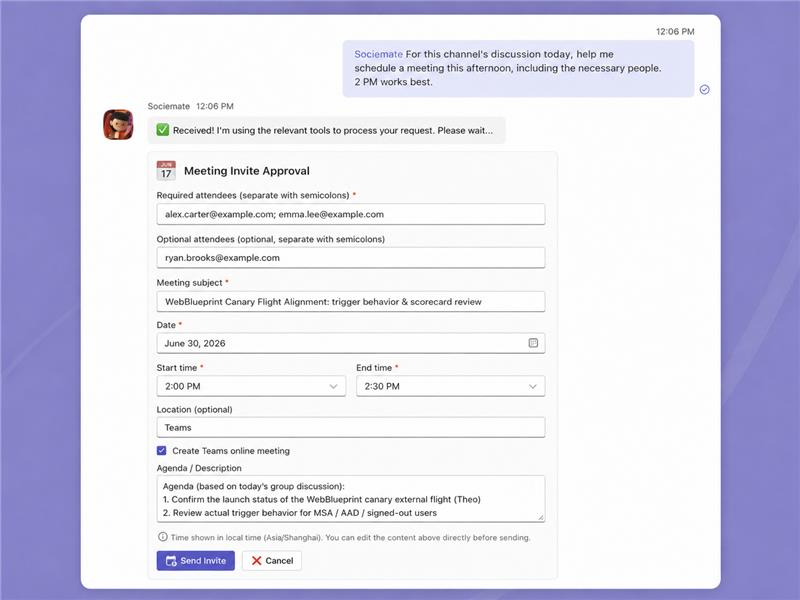
What Sociemate does for your team
The same loop, the same context — working quietly in the background of your channels.
Understands your team
The longer it works with you, the more it learns how your team thinks, how decisions get made, and who owns what.
Memory across threads and days
Context carries over. What happened in Monday's standup is still there on Thursday, without anyone repeating it.
A shared resource in your channel
Sociemate surfaces what matters to the whole channel, not just the person who asked. Everyone sees the work.
Proactive instead of waiting
Set a standing instruction once. It watches the channel, runs routines, and tags you back when something needs a decision.
In the work, with your tools
Give it access to the tools and data your team uses, and it acts on your behalf, then posts the results in the thread.
Runs tasks that take time
Hand it a complex task and it works while you move on — following up, asking for input, and coming back when it's done.
Ready for a new way of working?
Install Sociemate once, and your whole team can use it inside Microsoft Teams.